@gregoriusrippenstein/node-red-scratchpad 0.2.1
Scratchpad for Node-RED.
Scratch Pad
Provides temporary text fields for pasting and copying temporary text or code.
Inspired by Emacs *scratch* buffer.
Motivation
The scratch-pad is used to store content between edits.
Features
Add Scratch-pads
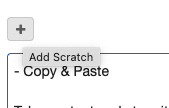
Use the add button to create new scratch-pads and use the delete button to remove them again.
A trashcan clears the contents of the scratch-pad but does not remove the scratch-pad.
If adding new scratches and nodes are selected, then the nodes content will be used to fill the scratches created. One scratch per node is created.
Copy & Paste
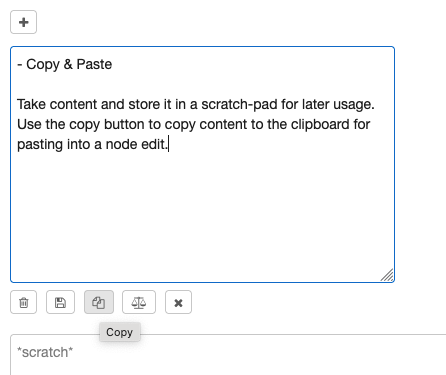
Take content and store it in a scratch-pad for later usage. Use the copy button to copy content to the clipboard for pasting into a node edit.
Compare
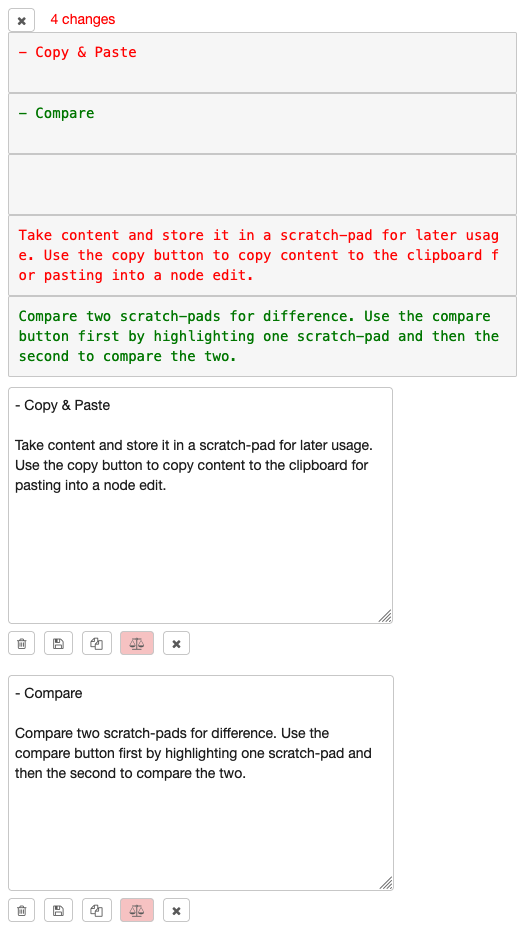
Compare two scratch-pads for difference. Use the compare button first by highlighting one scratch-pad and then the second to compare the two.
Storage between reloads
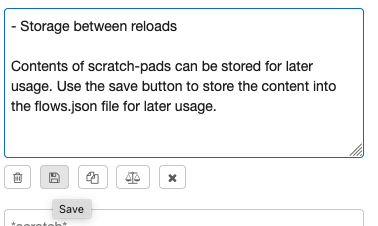
Contents of scratch-pads can be stored for later usage. Use the save button to store the content into the flows.json file for later usage.
Execute code in the browser
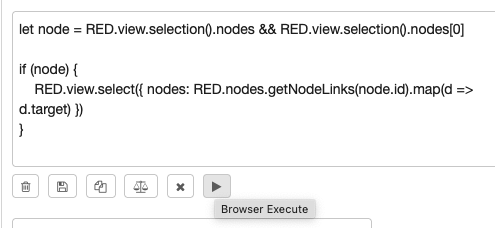
Contents of the scratch is intrepreted as Javascript code and executed directly in the browser. In the example in the screenshot, it a code snippet for highlighting the immediate nodes connected to the selected node.
Comparing switch and change nodes
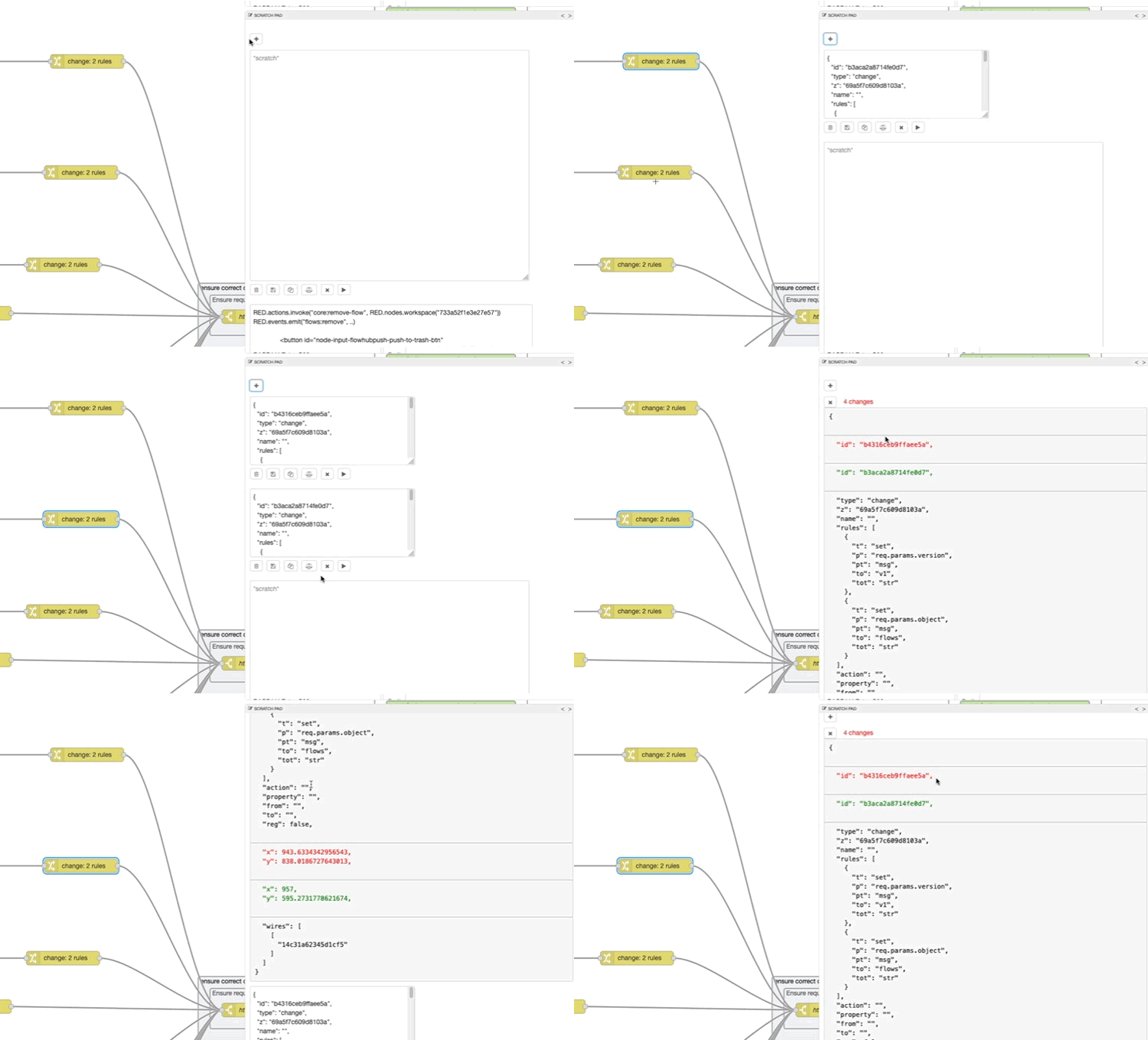
Sometimes its useful to compare switch or change nodes, using scratchpad this is now possible. What the animation shows is adding a scratch when a nodes is selected: the contents of the node is automatically imported. This can be done with switch and change nodes and their JSON representations are imported.
This JSON representation can then be compared to check for differences. In the case of the animation, only the id and position of the nodes differ, not the rules. Hence one of the nodes can be replaced with the other.
